Making a payment in the CARM Client Portal is a direct and essential task for all commercial importers on a monthly basis. This guide provides a simple, step-by-step process to ensure your duties and taxes are paid correctly and on time, keeping your goods moving smoothly across the border.
The key steps involve logging into your portal, navigating to your Statement of Account (SOA), selecting the transactions you wish to pay, and choosing an electronic payment method. This direct control provides real-time visibility into your financial obligations with the Canada Border Services Agency (CBSA).
Why Mastering CARM Payments is Essential for Importers
The CARM Client Portal modernizes how Canadian importers manage their finances with the CBSA. The days of relying solely on paper statements or third-party payment processing are over. This system requires you to take direct command of paying your customs duties and taxes.
For importers, learning how to make a payment in the CARM portal is a critical business function. Direct management of your customs financial obligations offers significant advantages for your operations and compliance standing with the CBSA.
Gaining Financial Control and Visibility
The primary benefit of managing your own CARM payments is the complete transparency it provides. You gain immediate, real-time access to your Statement of Account (SOA), which details every transaction, duty, and tax you owe. This direct oversight empowers you to:
- Manage Cash Flow Effectively: See exactly what you owe and when it’s due, allowing for precise financial planning.
- Ensure Timely Compliance: Pay directly to meet deadlines and maintain a strong compliance record, which is crucial for privileges like Release Prior to Payment (RPP). To learn more, learn more about the importance of securing your RPP status.
- Reduce Errors and Disputes: With full visibility, you can identify and address discrepancies immediately, preventing minor issues from escalating.
You are no longer just a passenger in your customs financial journey—you are in control.
A Step-by-Step Guide to Paying in the CARM Portal
Making a payment in the CARM portal is a straightforward process once you understand the workflow. This guide is designed for commercial importers to navigate the system efficiently from login to confirmation.
Before you begin, ensure you have successfully registered and gained full access to your business account in the CARM Client Portal. If you have not, please see a guide to register your business for CARM.
Step 1: Log In and Access Financial Information
First, sign in to your CARM Client Portal account. Once logged in, navigate to the Financial information section from the main menu. This is your hub for all payment-related activities.
Step 2: View Your Statement of Account (SOA)
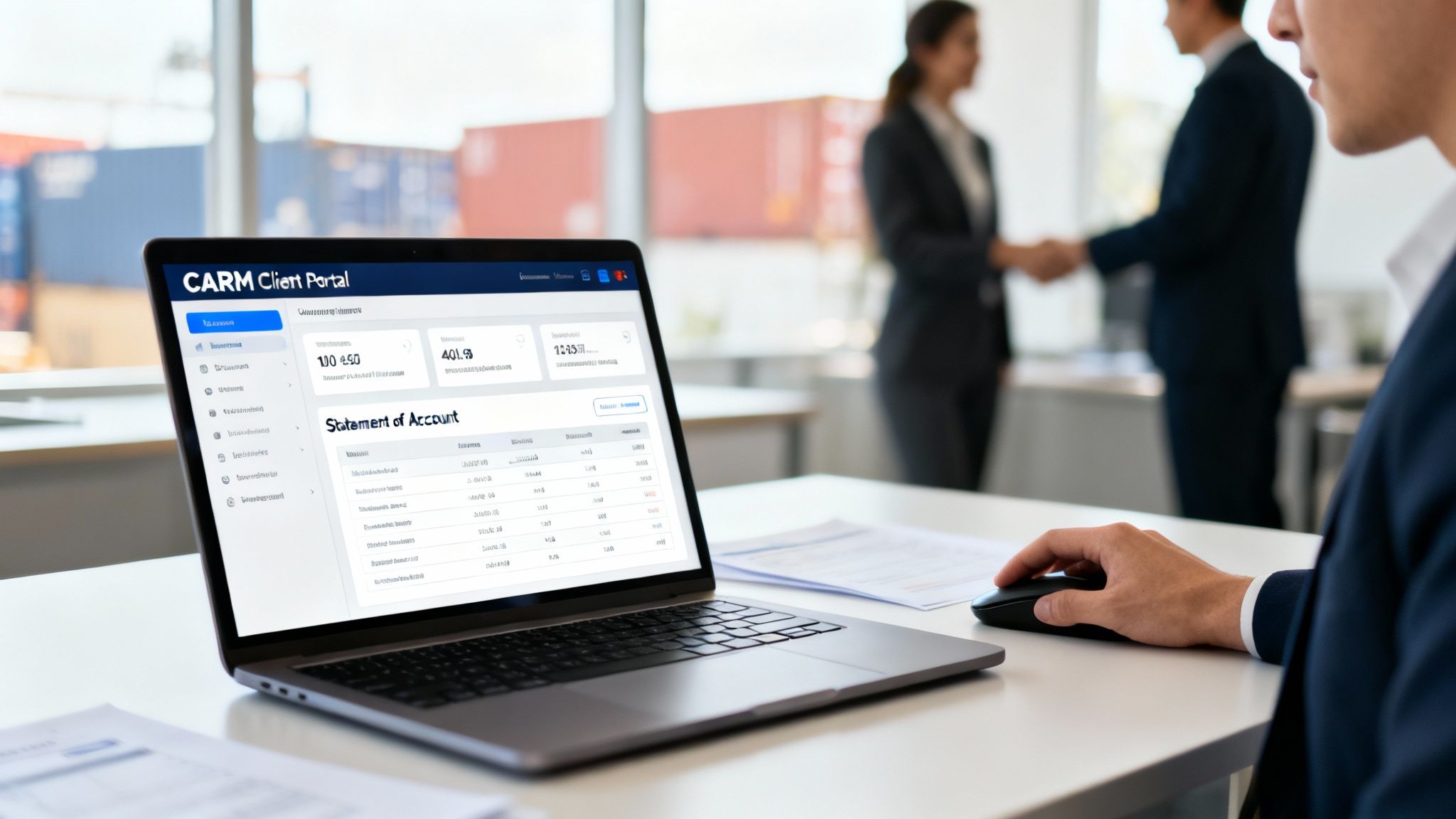
Within the Financial information section, you will find your Statement of Account (SOA). The SOA is a real-time, detailed record of all transactions, duties, taxes, and fees owed to the CBSA. It provides a complete financial overview, including your current balance, individual transaction details, and payment history.
Step 3: Select Transactions to Pay
You have the flexibility to pay the entire outstanding balance or select specific transactions. To pay specific items, use the checkboxes next to each transaction line on your SOA. The portal will automatically calculate the total amount for the items you have selected.
Step 4: Choose a Payment Method and Confirm
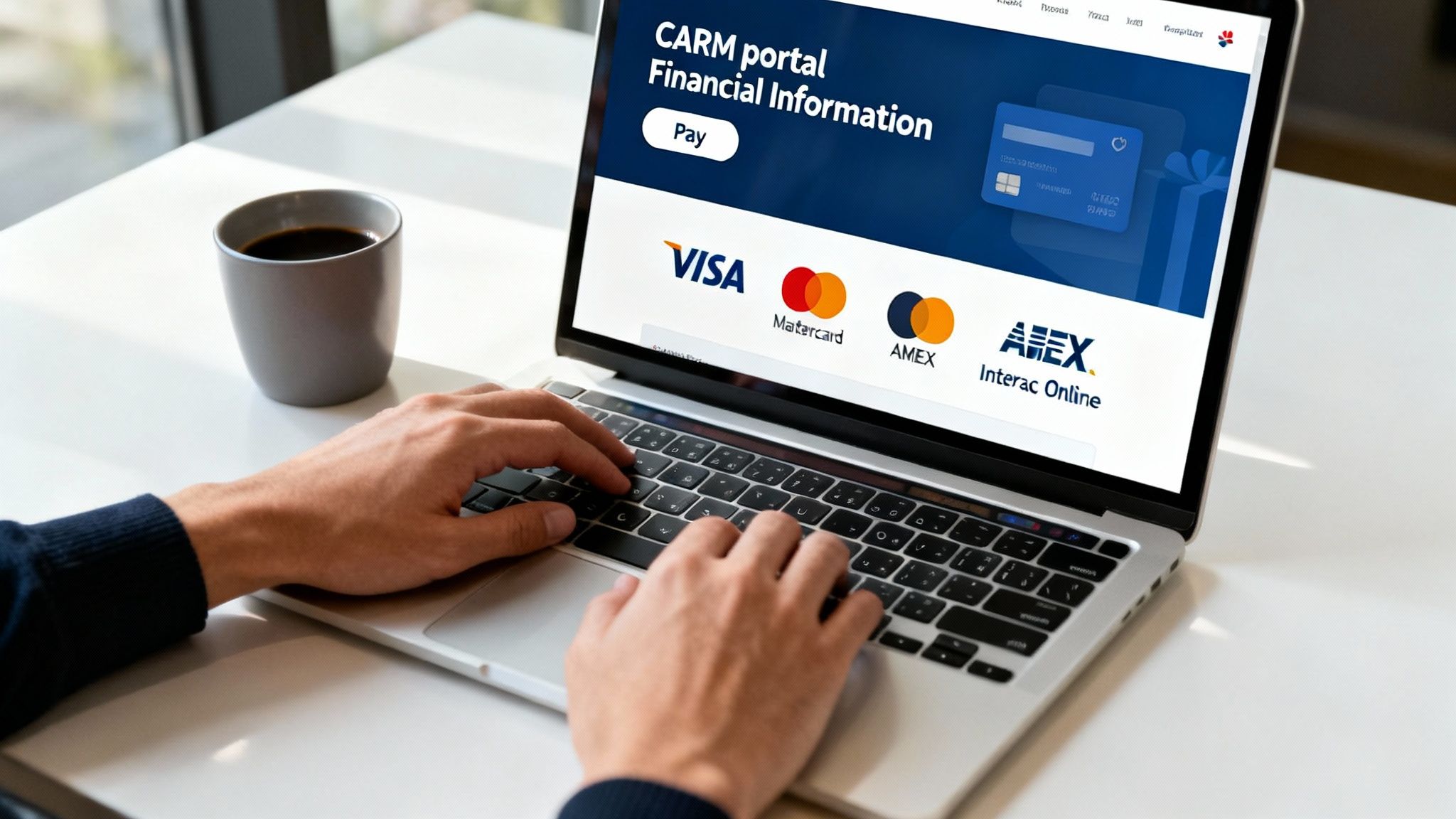
After selecting your transactions, proceed to the payment step. The CARM portal supports several electronic payment methods:
- Credit Card: Visa, Mastercard, and American Express for immediate payment.
- Interac Online: Secure direct debit from a Canadian bank account.
- Pre-Authorized Debit (PAD): An automated option for recurring payments.
Choose your preferred method, enter the required payment details, and confirm the transaction.
Step 5: Save Your Confirmation Number
Once the payment is complete, you will receive a confirmation number. It is critical to save this number as it serves as your official proof of payment for that transaction.
For a detailed walkthrough provided by the CBSA, including screenshots, please refer to the official CBSA Guide to Adding and Allocating Payment Funds.
Choosing the Right Payment Method for Your Business
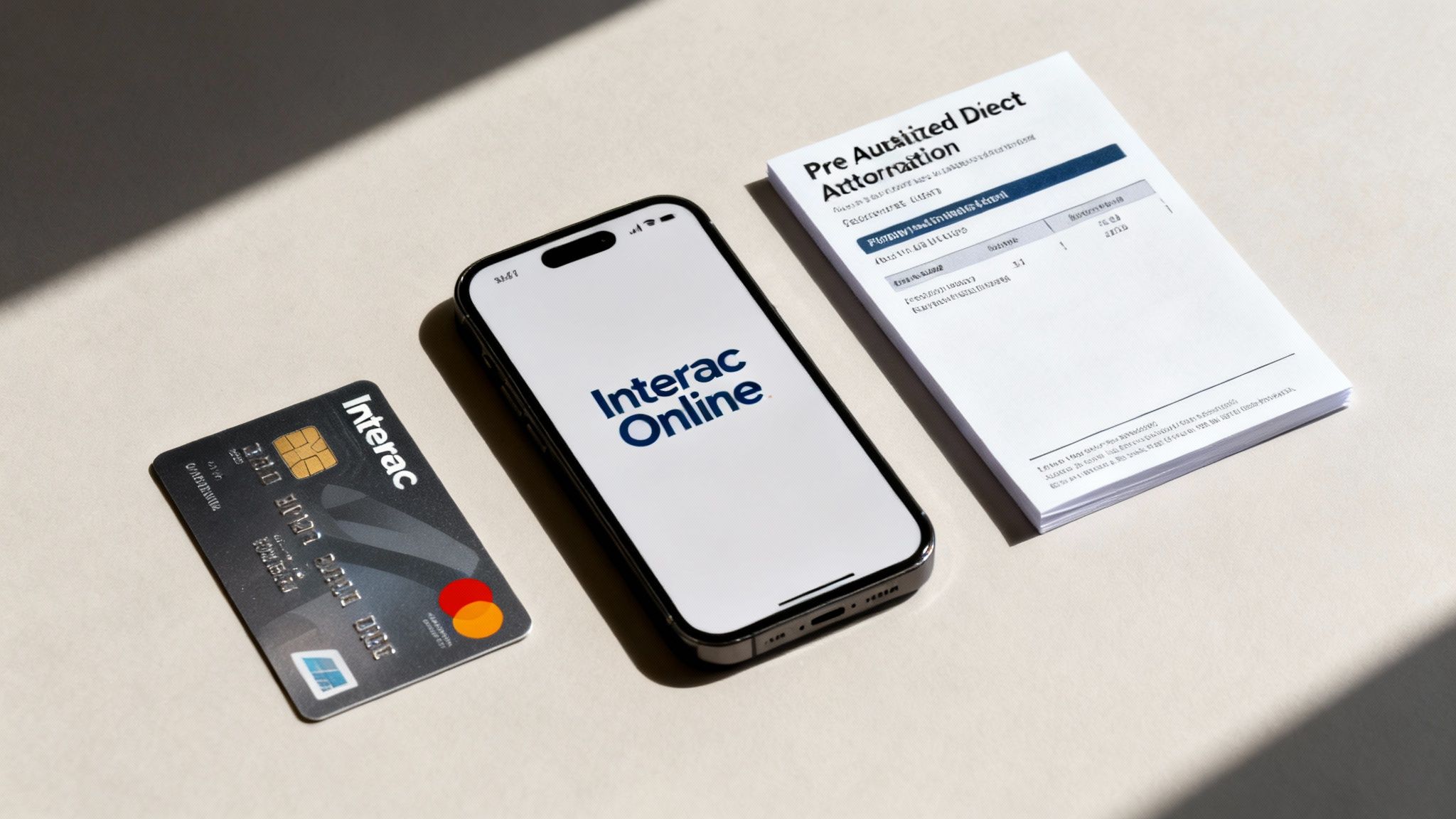
Selecting the best payment method in the CARM portal depends on your business's specific needs, including import volume and payment frequency. Your choice impacts administrative workload and cash flow management.
Credit Card Payments: Convenience and Limits
Using a credit card—Visa, Mastercard, or AMEX—is the fastest way to settle a payment. It is ideal for smaller, one-off payments requiring immediate confirmation. However, be mindful of daily or per-transaction spending limits on corporate credit cards, as a large duty and tax bill may exceed these limits.
Interac Online: Direct and Secure
Interac Online offers a secure way to pay directly from your Canadian bank account. It is a suitable option for businesses that prefer not to use credit cards for government remittances or for amounts that exceed credit card limits. Confirm your bank's daily transaction limits for Interac Online before initiating a large payment.
Pre-Authorized Debit (PAD): The Automated Solution
For importers with a steady stream of shipments, a Pre-Authorized Debit (PAD) is the most efficient solution. Once set up, the CBSA automatically withdraws the amount owed from your business bank account on the due date. This "set it and forget it" approach reduces administrative tasks and minimizes the risk of missed payments.
The CARM portal functions as a a comprehensive guide to customer self-service portals for importers, integrating into your overall procure-to-pay process. And as a reminder, your business must have a registered Business Number to use the portal. If you need one, see our guide on how to get a business number.
After You Pay: Reconciling and Confirming Transactions
After submitting your payment, the final step is to reconcile the transaction to ensure your financial records are accurate. This crucial step confirms that your payment has been correctly received and applied by the CBSA.
First, use the payment confirmation number provided by the portal. This number is your primary proof of payment and is essential for tracing any transaction.
Verify and Allocate Your Funds
Return to the Financial information section and review your Statement of Account (SOA). Confirm that the payment has been posted and that your outstanding balance has been reduced accordingly. Ensure the payment was applied to the correct invoices.
If you need to manually apply a payment to specific transactions, the portal allows for this. The CBSA provides detailed instructions on this process in its Guide on Adding and Allocating Payment Funds.
Match Payments with Your Accounting System
Finally, update your internal accounting system (e.g., QuickBooks, Sage) to reflect the payment made in CARM. This internal reconciliation ensures your company's financial records are accurate and prepared for auditing. Regularly matching your CARM SOA with your internal ledger helps you catch discrepancies early and maintain a clear picture of your customs-related expenditures for better forecasting and budgeting.
Troubleshooting Common CARM Payment Issues
Even with a streamlined system, payment issues can occur. Knowing how to troubleshoot common problems can prevent delays and compliance issues.
Declined Credit Card Payments
If your credit card payment is declined, check for the following common causes before assuming a system error:
- Exceeding Daily Limits: Your card provider may have a daily transaction limit that your payment has exceeded.
- Incorrect Information: A simple typo in the card number, expiry date, or CVV code will cause a failure.
- Bank Security Flags: Your bank's fraud detection system may have flagged the payment as unusual and blocked it.
Double-check the entered information. If it is correct, contact your card provider to confirm your limits and ask if they have blocked the transaction.
Payments Not Applying to Invoices
If your payment is successful but does not appear on your SOA or is not applied to the correct invoices, first check your transaction history in the portal to confirm receipt by the CBSA. If the payment is listed but unallocated, you may need to apply it manually.
If a payment is missing after a reasonable processing time, contact CBSA support with your payment confirmation number for assistance.
How Your Customs Broker Can Support Your CARM Payments
While the CARM portal is designed for direct use by importers, the expertise of a customs broker remains invaluable. Your broker acts as a strategic advisor, helping you navigate the customs environment effectively.
By delegating authority to your customs broker within the portal, you add a layer of professional oversight to your financial operations. This does not mean relinquishing control; it means empowering an expert to ensure accuracy and compliance on your behalf.
When to Lean on Your Broker's Expertise
Your customs broker provides critical support in various situations:
- Complex Payment Disputes: If a payment is misapplied or you dispute a charge, your broker can investigate and communicate with the CBSA for you.
- Managing RPP Security: A broker helps ensure your payment practices support your financial security requirements to maintain your Release Prior to Payment (RPP) status.
- High-Volume Transaction Management: For businesses with frequent imports, a broker can manage daily financial tasks in CARM, ensuring all payments are timely and correctly allocated.
A knowledgeable customs broker connects your payment activities with your overall compliance strategy. To understand their complete role, explore our guide on what is a customs broker. Partnering with an expert ensures your cross-border operations are resilient and efficient.
At J.W. Smith Customs Brokers Ltd., we combine decades of experience with a deep understanding of the CARM system to keep your goods moving. Let us manage the complexities of customs compliance so you can focus on your business. Contact us today to see how we can support your import operations.
Need Help with Customs?
J.W. Smith Customs Brokers has over 50 years of experience helping Canadian businesses navigate imports with confidence. Our team of licensed customs brokers is ready to assist with your import and export needs.